


Wanna go viral on Pinterest? It’s definitely not easy—but it’s not impossible either! 💪✨
All it takes is perseverance and staying on the right path.

If you’re posting 30 pins on day one and then zero for the rest of the week, that’s not going to work. ❌
Pinterest SEO loves two things: consistency and manual pinning. These are the golden keys to unlocking viral success! 🔑📈
In this article, I’ll focus on the layout tips that help you create viral pins.
It’s such a crucial part of growing on Pinterest—because let’s be honest, if your designs aren’t SEO-friendly and scroll-stopping, you won’t get far.
Even if you post a ton of pins daily, it won’t help if they’re not hitting the mark. 😬
Alright, let’s dive into the juicy stuff—get ready to pin smarter, not harder. Enjoy! 💡🎨
📌 Save this pin for later!
1. Pretty & Vertical Pins 📷
This is rule number one if you want your pin to go viral!
Vertical layouts perform best on Pinterest, and Canva is a no-brainer when it comes to designing gorgeous pins. 🎨

PRO TIP:
Use clean, soft background colors.
If your photo background is too bold, it can distract from the keywords. I usually apply 20%–30% transparency to the background—makes the pin look softer and more elegant instantly!
2. Don’t Use Script Fonts for Keywords! 🚫✍️
Ladies, I get it—script fonts are so pretty 😍.
I still use them occasionally—but not for keywords!
Pinterest uses visual recognition for SEO, and overly decorative fonts can make it harder to categorize your pins correctly.

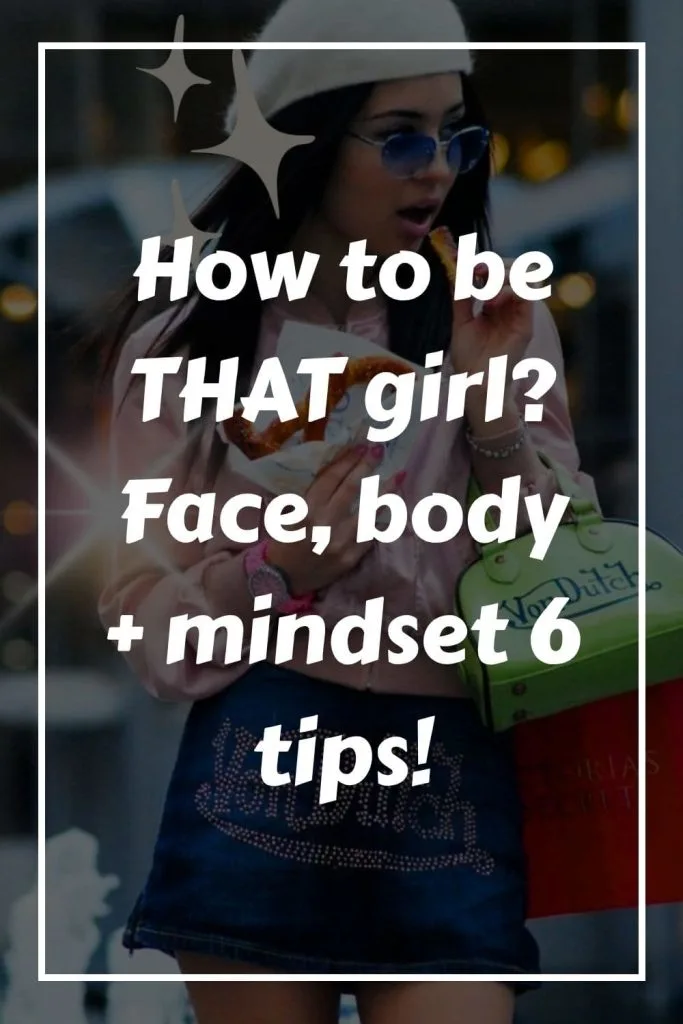
You’ve worked hard on your designs—don’t let a font choice sabotage it!
Use bold, clear, easy-to-read fonts for your keywords.
Most users scroll Pinterest on their phones 📱, so small or light-colored text (like yellow or pale pink) might look fine on a laptop, but it’s nearly impossible to read on mobile.
3. Create Curiosity & Call to action
This one is huge, guys! 🚨
You can’t just give away all the tips directly on the pin—if you do, there’s no incentive for people to actually click through.

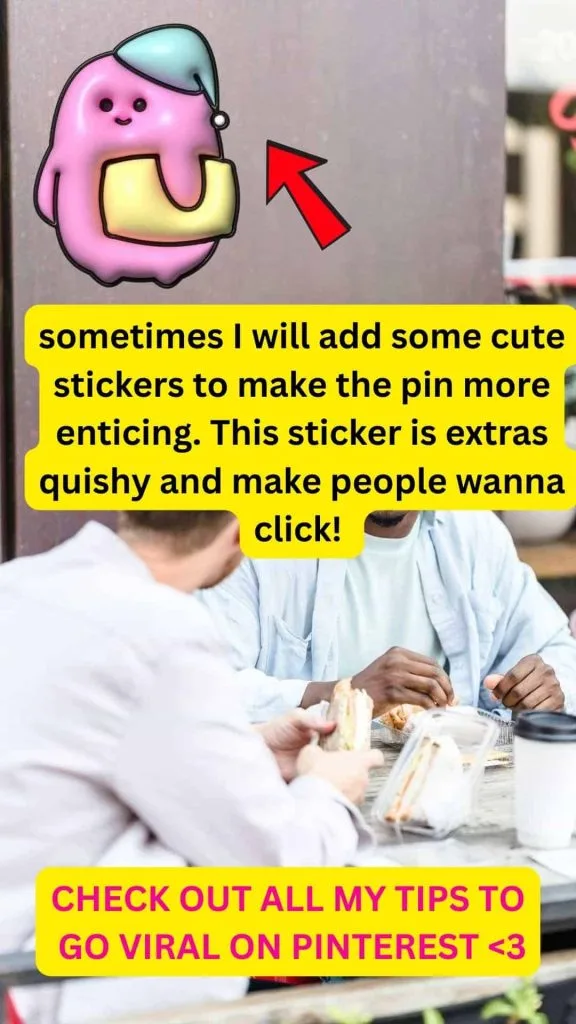
For example, some infographics perform amazingly well when it comes to saves, but their click-through rate?
Super low. 📉
Why?
Because they’re too informative! If everything’s already on the graphic, why would anyone feel the need to visit the link?
If you want to boost that click-through rate, here are a few clever tricks that work wonders:
✨ Use Numbers:
Titles like “Top 10 Things That [X]” or “5 Things I Wish I Knew About [Y]” perform incredibly well.
Numbers naturally pique curiosity and signal a list that’s easy to consume. People just love a good countdown! 🔢
🎯 Add Directional Graphics:
Include a cute arrow pointing to your website link or blog name—it’s simple, but surprisingly effective at drawing attention to where you want people to go!
🕵️♀️ Create Curiosity:
Use teaser phrases like “Click to see the last golden tip” or “Bet you haven’t tried #5 yet.”
It stirs up just enough mystery to get that irresistible click! 😏
If you are reading this blog post till now, there’s one thing for sure…
You have good taste! <3 If you approve of some of these looks, please kindly pin or share some of these outfits so many tasteful fashion babes can come across this outfit inspo, thanks pretty! ❤️


And…it would truly mean the world to me if you stay until the very end. ❤️
And girls, my 3 yars fashion instagram just got banned this May and I have to do it again. Now i only on 5 followers LOL if you love fashion brands uptate, PLEASE FOLLOW ME!! that means A LOT!!
check this out below
4. Use the background photo that are related to the message of your pins
Here’s another important tip related to Pinterest SEO 🎯: As a pinner, it’s our responsibility to clearly signal to Pinterest what our pins are about.
Let’s say your keyword is “Meditation Tips”, but your background image shows a stylish living room—uh-oh! 😬
Pinterest might misread that pin as being about Home Decor instead.
That’s a recipe for confusion, and your pin could end up in front of the wrong audience.
When that happens, the pin may receive very low saves and click-through rates, which signals to Pinterest that the content isn’t engaging.
As a result, your impressions could plummet—and once that happens, going viral becomes so much harder. 📉
👉 So here’s the takeaway:
Your visuals need to align with your keywords. Give Pinterest all the right clues so it can share your pins with the right people.
5. Don’t use free stocks but use your own photos!
I wish someone had told me this when I first started blogging!
Like many beginners, I used to download free stock photos from sites like Pexels and Pixabay—and honestly, I kept that up for a couple of months.
But here’s the thing: free stock photos can confuse Pinterest—big time!
Why? Because everyone’s using the exact same images… for totally different topics. Just think about it:
- “How to Start Blogging in 20XX”
- “Top 5 Must-Buy Apple Products – Reviews”
- “20 Work-from-Home Tips for 20XX”
- “5 Self-Care Tips I Wish I Knew Earlier”

All of these could be using the same cozy desk stock photo. 📸
Pinterest’s algorithm gets mixed signals and doesn’t know which category that image really belongs in.
When it’s confused, it may not show your pins to the right audience—or worse, it limits your reach altogether. 📉
✨ Here’s what I do now:
I use Shutterstock for more exclusive visuals.
But if you’re on a budget, don’t worry!
You can totally use your phone to take personal photos.
I’ve done it—and with the right keywords, those authentic images can go viral too!
FINAL THOUGHTS:
Alright, so here are the 5 tips for the perfect layout of a viral pin!
- Pretty & Vertical Pins – hurt SEO & Click rates
- Don’t use Script Font for keywords – hurt impressions
- Create Curiosity & have call to action – hurt click through rates
- Use the background photo that are related to the message of your pins – hurt SEO & impressions
- Don’t use free stocks but use your own photos! – hurt SEO & impression
If you think it’s useful, please help me to re-pin it! See you next time!
Leave a comment